Gather the references
Start with one or more photos or video frames. Front, side and back views help match the person, clothing and pose.
What we tried · failures and lessonsA repeatable creative workflow
Nine steps for turning a creative brief into a synthetic body transformation, shown inside the real ShapeScale app.
For marketing, creative and production teams. See rejected experiments and lessons.

Real app captures. Illustrative synthetic cases.
Step 1 / Brief and photos
Choose the audience, the transformation and the footage the model needs to match.
Start with one or more photos or video frames. Front, side and back views help match the person, clothing and pose.
State what should look different, over what period, and which app views will explain it.
Confirm the references can be used and who will approve the person, story and clips.
Agree on the person, intended change and footage to match.
Output / approved creative briefStep 2 / Create the 3D person
Start with an editable person, then match the reference instead of accepting a generic avatar.
Set the proportions and scanning pose to match the intended footage.
Choose the right silhouette and make garments fit naturally.
Add detail that holds up when the camera gets closer.


Step 3 / Approve the likeness
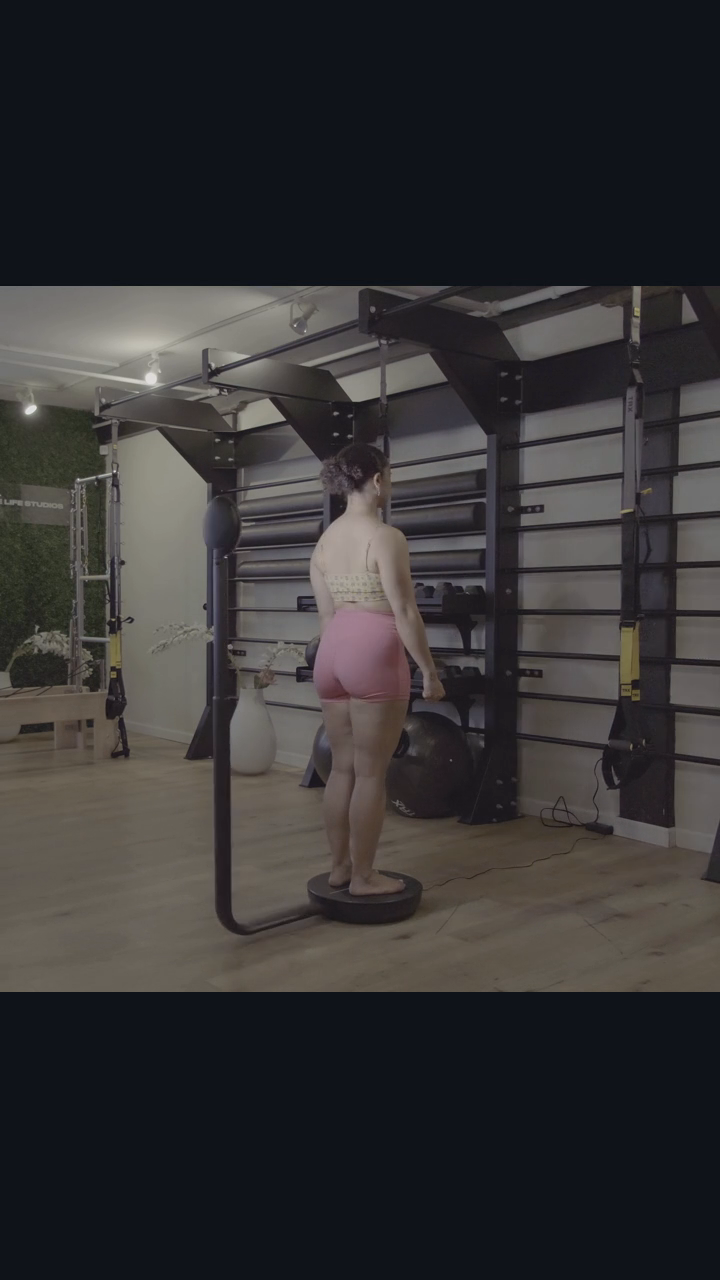
Review the model beside the reference footage before creating the transformation.
Check the face, hair, overall build and the balance between upper arms and forearms.
Check the straps, fabric, hemline and body position from several angles.
Save the accepted version so later changes do not undo what already works.

Step 4 / Before and after
Create the before from the approved after, keeping the same identity, clothes and pose.
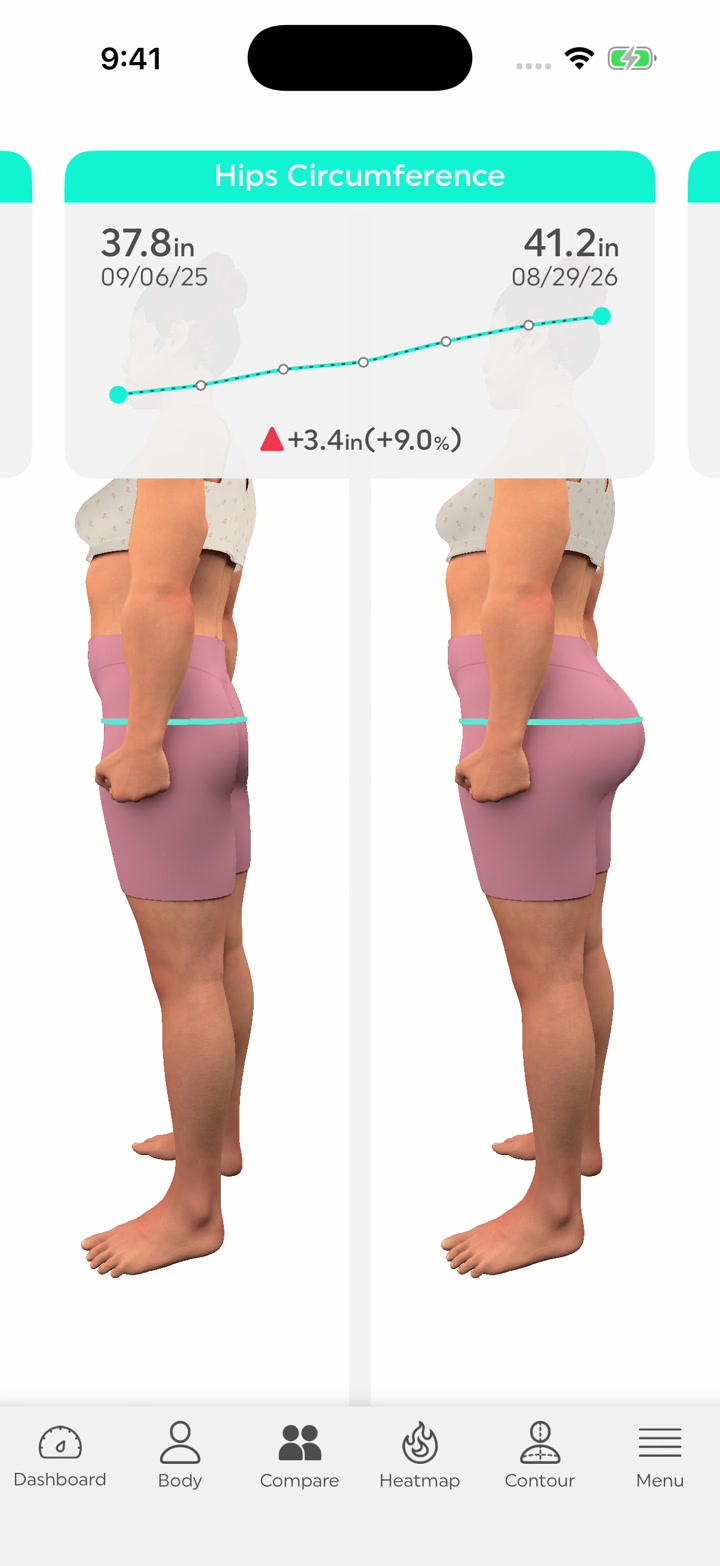
A more pronounced butt with a consistent overall build across 357 days.
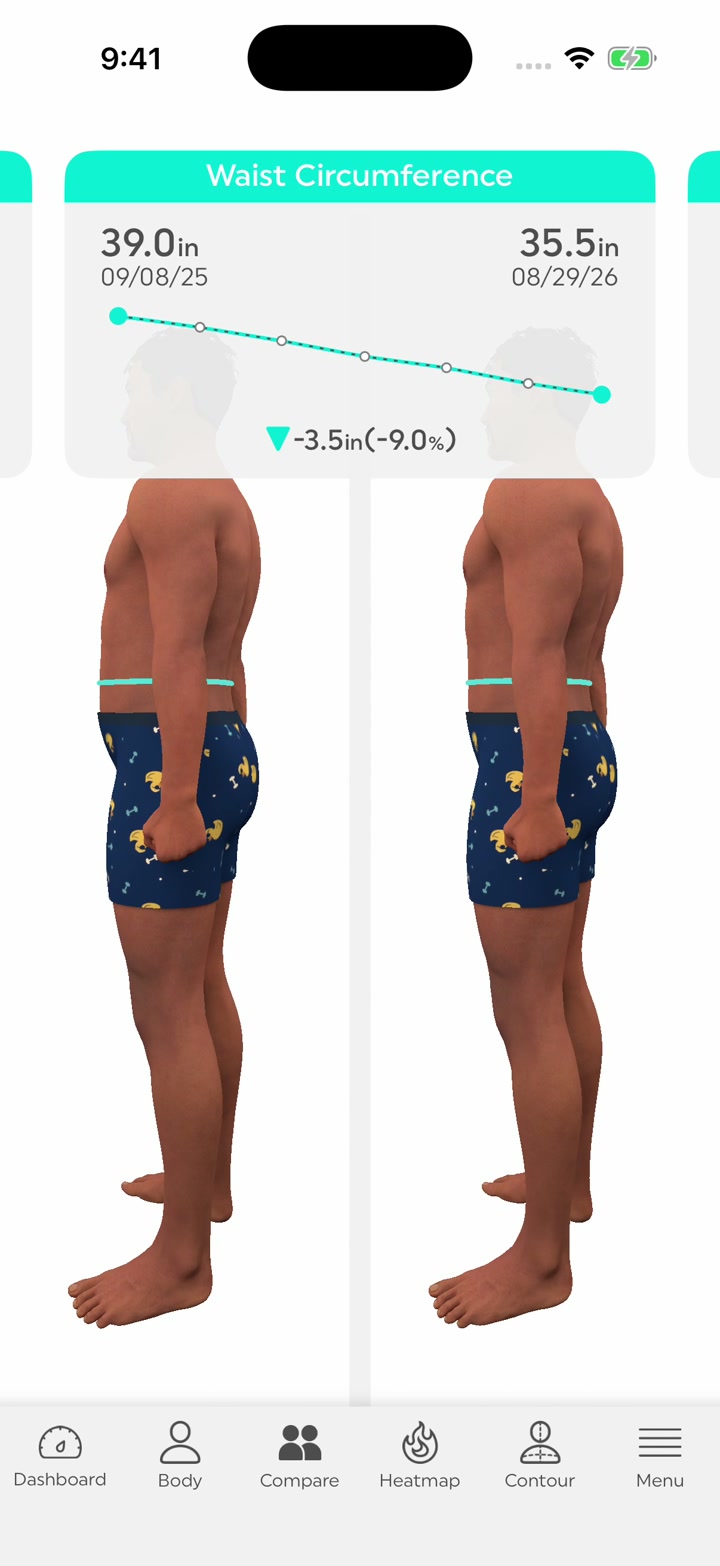
A smaller waist and fuller arms, with modest weight change across 355 days.
Make the change easy to see without changing the person.
Step 5 / A coherent history
Illustrative synthetic data
Dashboard cards show the latest 54-day interval. One-year charts show the full 355-day male or 357-day female journey.
Step 6 / Prepare the app
Load the approved person and synthetic history into existing ShapeScale screens.
Tape overlays should wrap around the correct region without floating or cutting through it.
Check comparison, dashboard, Shape Score and all intermediate history points.
Preserve the hair silhouette and readable variation as the body turns.
Step 7 / Capture
Show the measurement overview, choose a card, read the history and follow a gradual zoom.
Press play to inspect the current packaged review clips.
Step 8 / Quality review
A good still does not guarantee a good video. Watch the complete motion and enlarge the difficult moments.
Check hair, eyes, arms, posture, garment fit and every angle of the transformation.
Read dates, pounds, inches, chart points, component scores and the selected comparison.
Check the opening, native taps, text, smooth zoom, framing and ending.
Approve, request changes or reject. Keep the prior version and the reason.
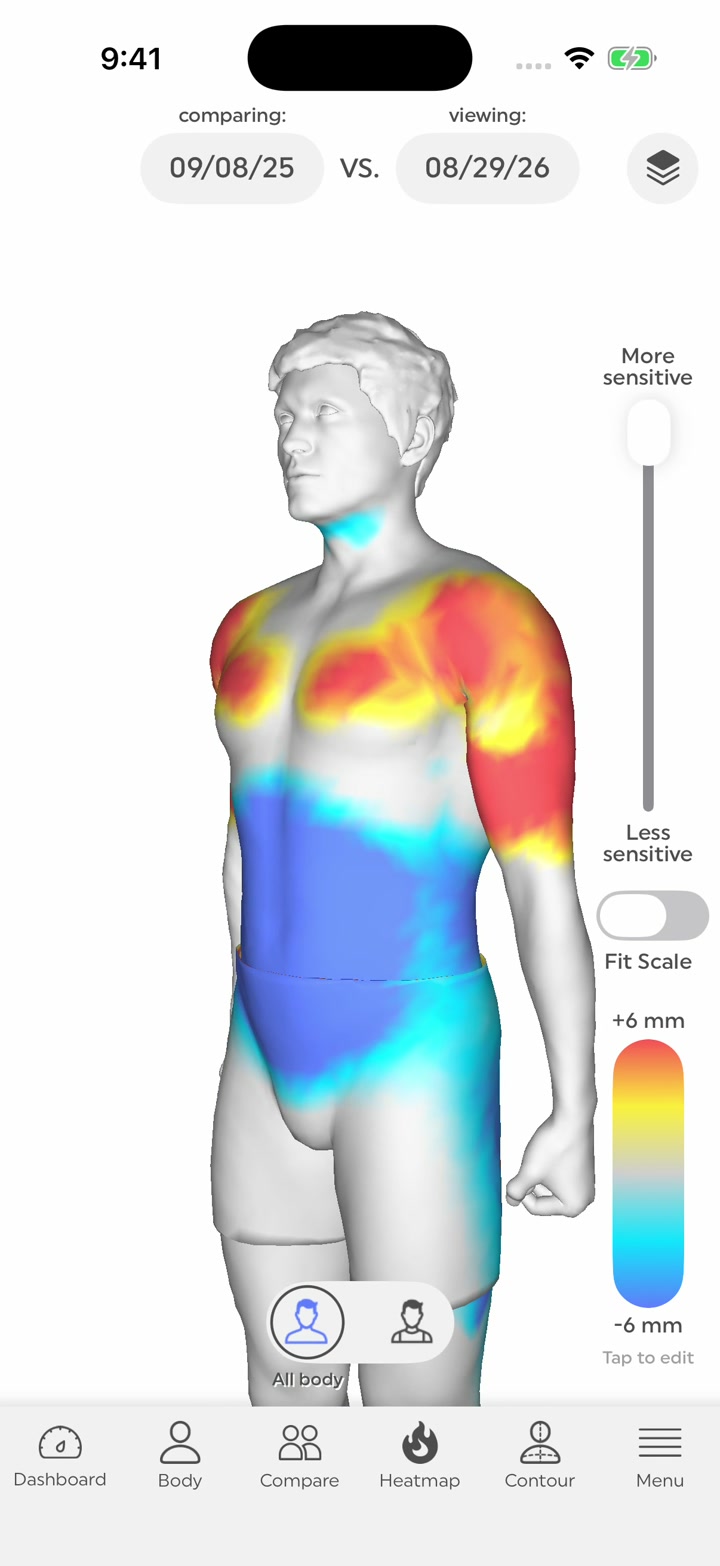
The male heatmap opening uses a documented hold to cover a capture issue. The underlying camera issue is still open.
Step 9 / Package
Give the editor reusable assets and the decisions needed to use them correctly.
Per person
65 sec combined review
For the next project
New person, new creative decisions. The same nine steps.
Ready for the next creative
Start with a brief. Finish with app clips that are understandable, traceable and ready for a clear decision.
Audience, references, transformation, timeline and approval.
Likeness, posture, clothes and a consistent before and after.
App preparation, capture, checks and a tidy package.
Keep the creative judgment. Reuse the work around it.